Photo Scraping Explained
Understand what photo scraping is and protect your privacy today.
What is photo scraping?
Photo scraping refers to tools that remote this usually-unseen information from your photo, allowing your image to move through the world without your private information.
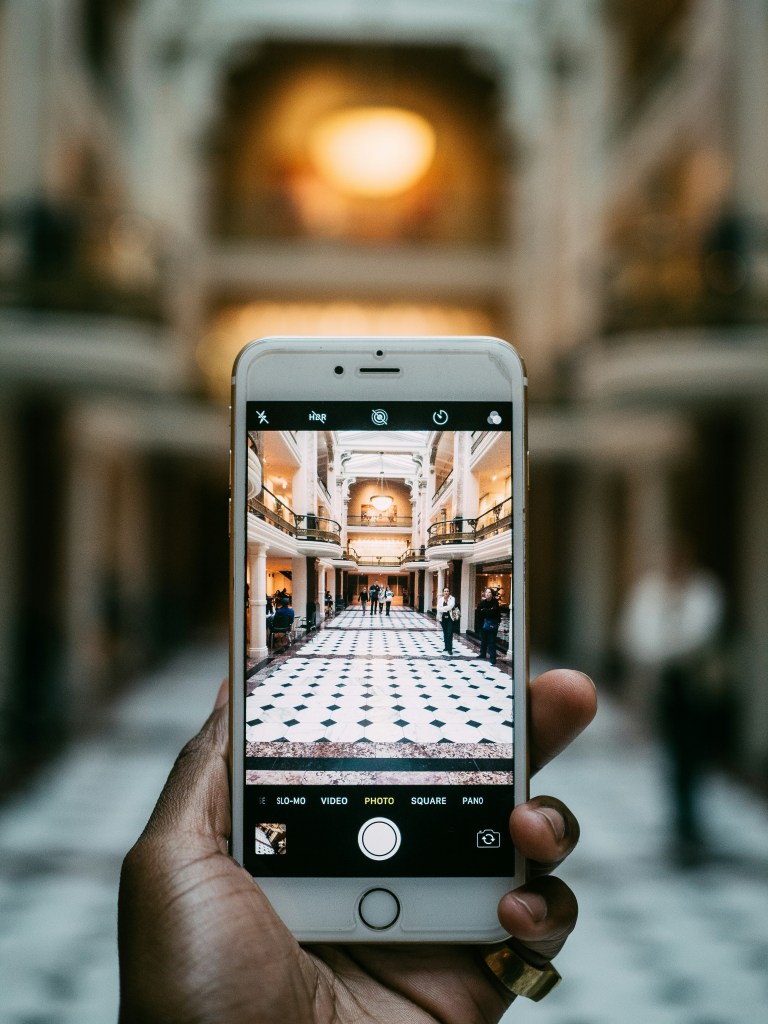
Whenever you take a photo on a device like a smartphone, it automatically includes data such as:
- where you were when you took the photo
- the time and date the photo was taken or downloaded
- what device was used to take the photo
That’s great for organizing photos, but there’s lots of reasons you might not want your information piggybacking out into the world on the back of your photo.
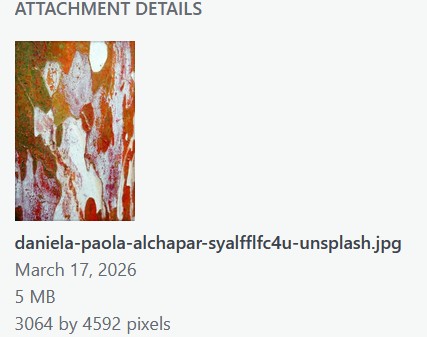
Here’s an example.
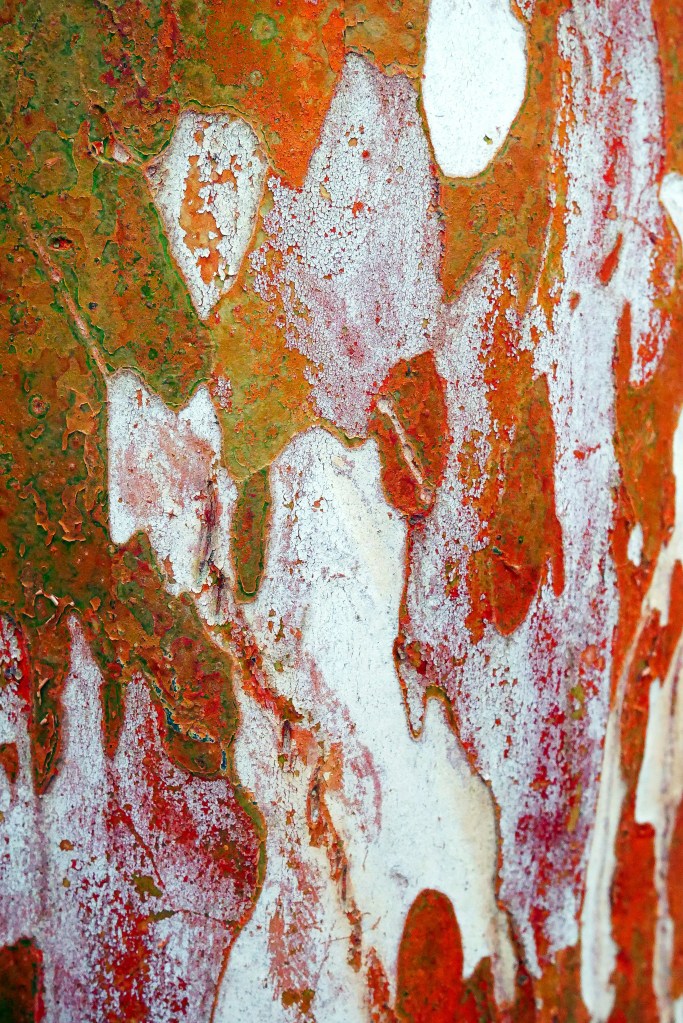
The photo to the used above was downloaded from a stock photo site called Unsplash. It’s a beautiful image created by Daniela Paola Alchapar. The most visible metadata in this photo tells me the date it was downloaded, the photographer’s name, the website, the file type (.jpg), the file size (5MB) and the pixel ratios.
Every time you post a photo this kind of information travels with it.
What’s more, automated tools can detect if an image contains hidden watermarks or unique identifiers that could link different online aliases together. Using photo scraping tools on your own image will first allow you to see what an AI or a data broker might see. Then, you can take action to delete or rewrite information you don’t want out in the world.
By scraping your own files first, you can identify and strip this metadata to ensure you aren’t accidentally sharing your physical location or other private information with the public.
Scrape Your Photos
There are a number of websites available that will quickly and securely scrape private information from your photos, allowing you to share your images – not your location – with the world.
Here are a few different free websites that will provide photo scraping services. There are many out there!
Take your pick and get scraping.
IMGOnline
IMGOnline allows you to remove certain parts of metadata while retaining others, create random pixel backgrounds, and compress .jpgs into specified sizes.
PixelPeeper
Keep your photos fresh. PixelPeeper strips metadata without recompressing the image. It’s best for photographers who want to maintain their original photo.
Internxt.com
Internxt.com is a strong choice if you have large files. It can handle files up to 100MB and supports scraping of PDF and videos in addition to photo formats such as .png and .jpg.
Exifcleaner.com
ExifCleaner uses client-side processing—which means it’s stripped directly on your computer. It’s a top pick for privacy-conscious users.
P.S. this gif uses images from the Simpsons.
Don’t steal things.
A note on copyright and ethical use of photo scraping.
Photo scraping removes metadata, but some of that information stuck to photos was meant to stick around. The metadata attached to images such as stock photos are designed to help protect the creator’s intellectual property. So, before you go scrubbing everything clean, consider if the photo you’re about to scrape is yours to clean off, or if leaving key information such as the photo’s creator or source information is good human behavior. If so, do that! And then go make your own gorgeous photos to share with the world.